Roms to Apk Studio Pro
A downloadable tool for Windows
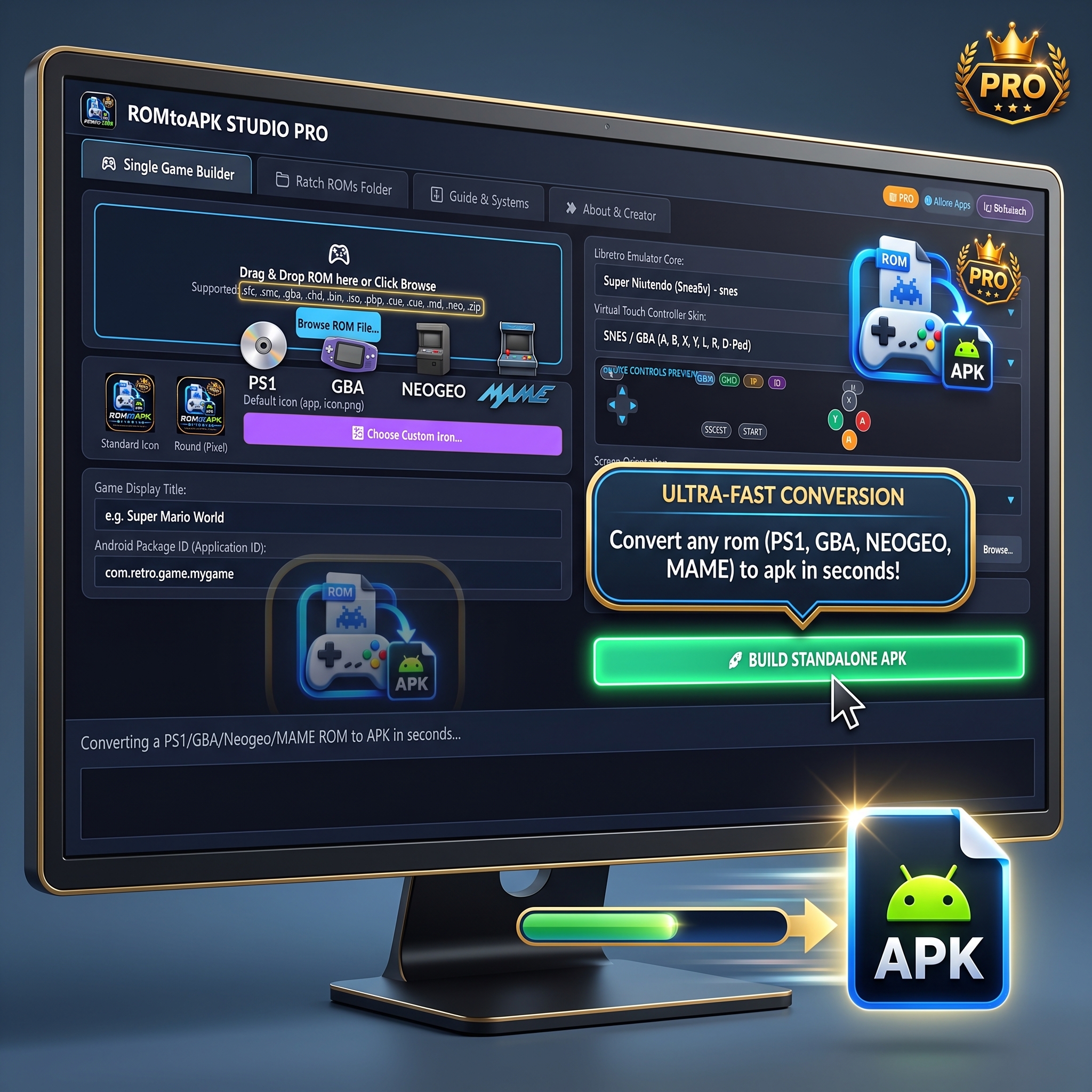
ROMtoAPK Studio PRO is a standalone Windows desktop software suite designed to convert retro console video game ROMs into self-contained, native Android applications (.apk).
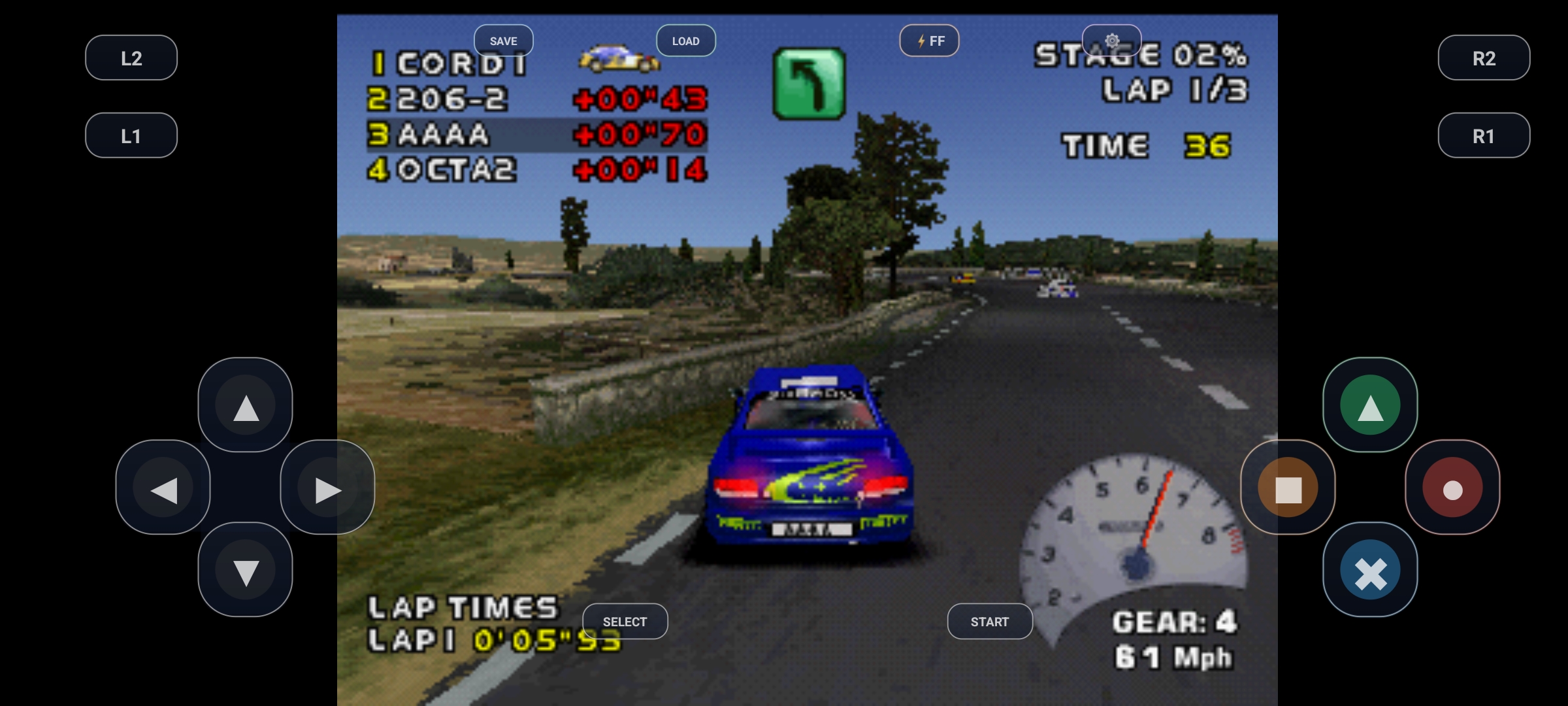
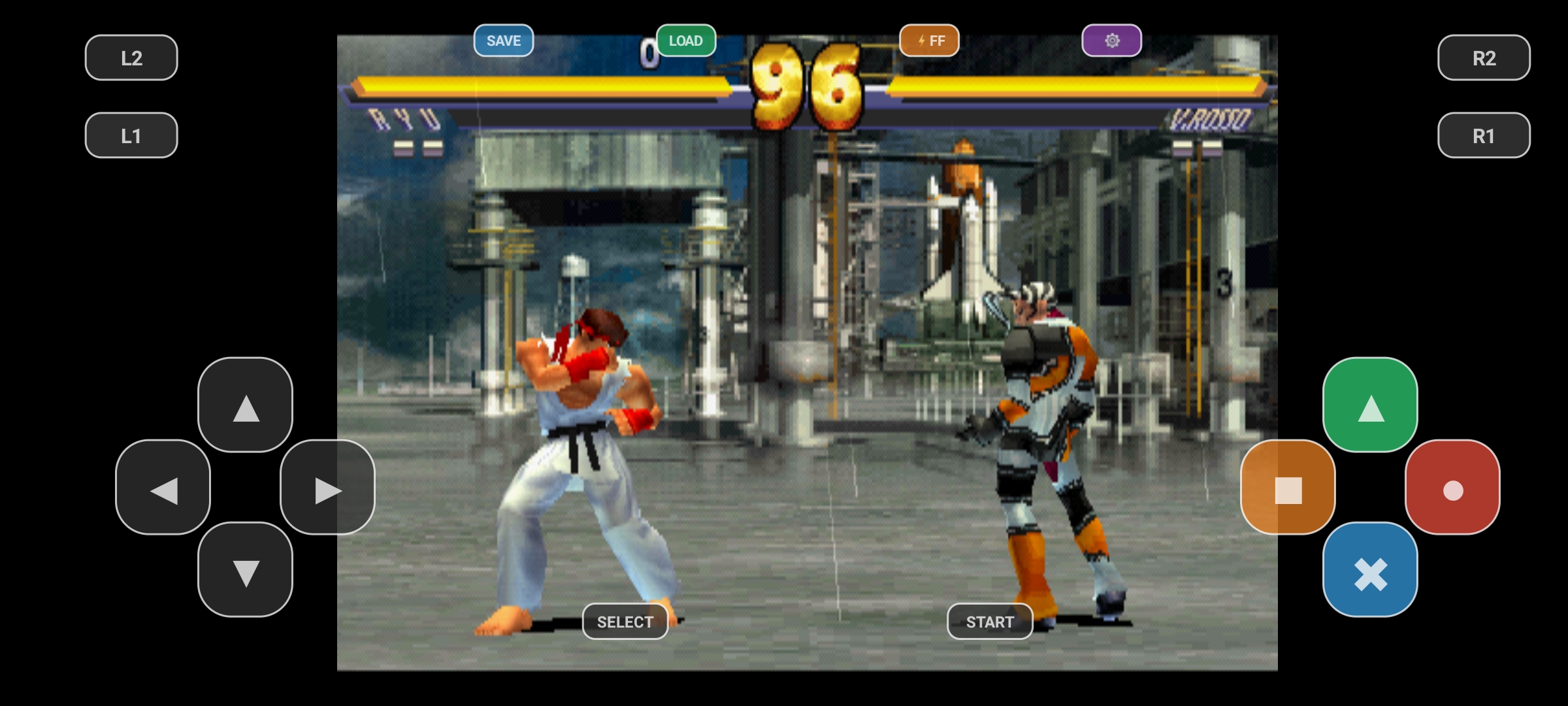
Instead of requiring players to manually install complex multi-system emulators, download BIOS files, configure directories, or map controller bindings, ROMtoAPK Studio PRO packages the game ROM, a tailored Libretro native emulation core, custom touch controls, and high-resolution adaptive app icons into a single-click installable APK that launches straight into the game.
⚡ Key Highlights & Features
1. 🚀 Zero-Setup Standalone Game APKs
- Instant Launch: The generated Android app launches immediately into the title screen with no secondary menus, file browsers, or emulator configurations.
- 100% Ad-Free Experience: The PRO Edition generates completely ad-free, clean standalone applications.
- Offline Ready: Games run completely offline with embedded ROM assets and emulation cores.
2. 🕹️ Multi-System Console Support
Includes optimized 64-bit (arm64-v8a) and 32-bit (armeabi-v7a) Libretro native cores for major retro systems:
- Sony PlayStation 1 (PSX):
.chd,.bin/.cue,.iso,.pbp,.img(PCSX ReARMed) - Super Nintendo (SNES):
.sfc,.smc,.snes(Snes9x) - Game Boy Advance (GBA):
.gba(mGBA) - Nintendo Entertainment System (NES):
.nes,.unf,.fds(FCEUmm) - Sega Genesis / Mega Drive:
.md,.gen,.smd,.bin(Genesis Plus GX) - Neo Geo & Arcade:
.zip,.7z,.neo(FinalBurn Neo / MAME) - Game Boy & Game Boy Color:
.gb,.gbc(Gambatte) - PC Engine / TurboGrafx-16:
.pce,.sgx(Beetle PCE)
3. 🎨 Built-in Icon & Branding Engine
- Automatic Multi-Density Generation: Automatically processes custom box art or logo images (
.png,.jpg,.ico) into Android adaptive icons across all screen resolutions (mdpi,hdpi,xhdpi,xxhdpi,xxxhdpi, and Android 8.0+ round icons). - Package ID & Metadata Customization: Allows custom Android Package IDs (
com.company.gamename), app names, and screen orientation (Landscape, Portrait, Sensor Auto-Rotate).
4. 🎮 Controls & Hardware Compatibility
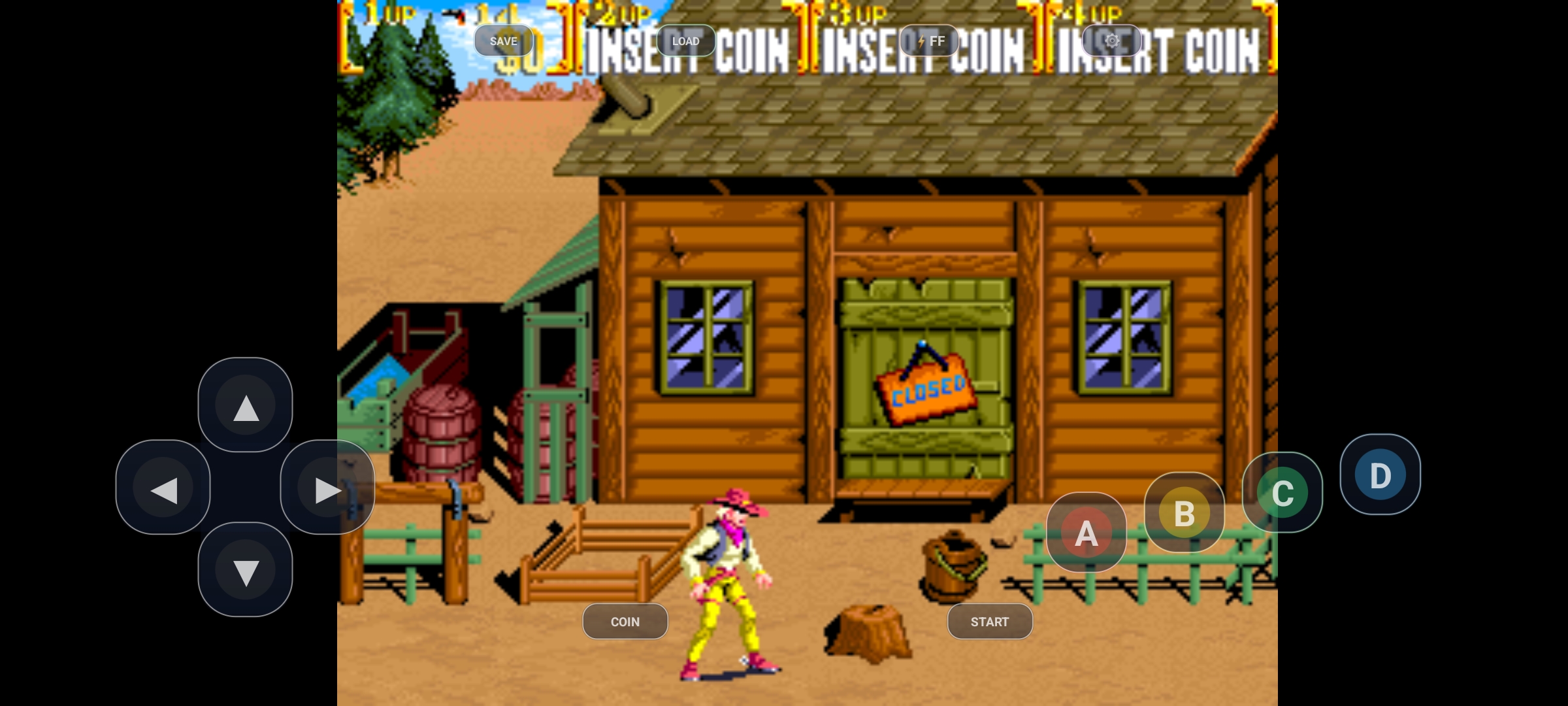
- Virtual Touch Overlay: On-screen virtual buttons with haptic vibration feedback, transparency adjustment, and console-accurate button layouts (PSX, SNES, GBA, Genesis, NES, Arcade).
- Physical Controller Auto-Mapping: Plug-and-play support for Bluetooth and USB gamepads (Xbox Wireless, PlayStation DualShock 4 / DualSense, 8BitDo, and standard Android HID controllers).
5. 💾 In-Game Management & Saves
- Auto SRAM Battery Save: In-game progress is preserved and automatically saved whenever the app loses focus or closes (
onPause/onDestroy), then automatically restored upon reopening. - In-Game Quick Menu: Players can tap the gear menu or press
SELECT + STARTto access Instant Save States, Load States, Fast-Forward (2x–4x speed), aspect ratio toggling (4:3 vs 16:9), and clean exit.
6. 📦 Single & Batch Bulk Processing
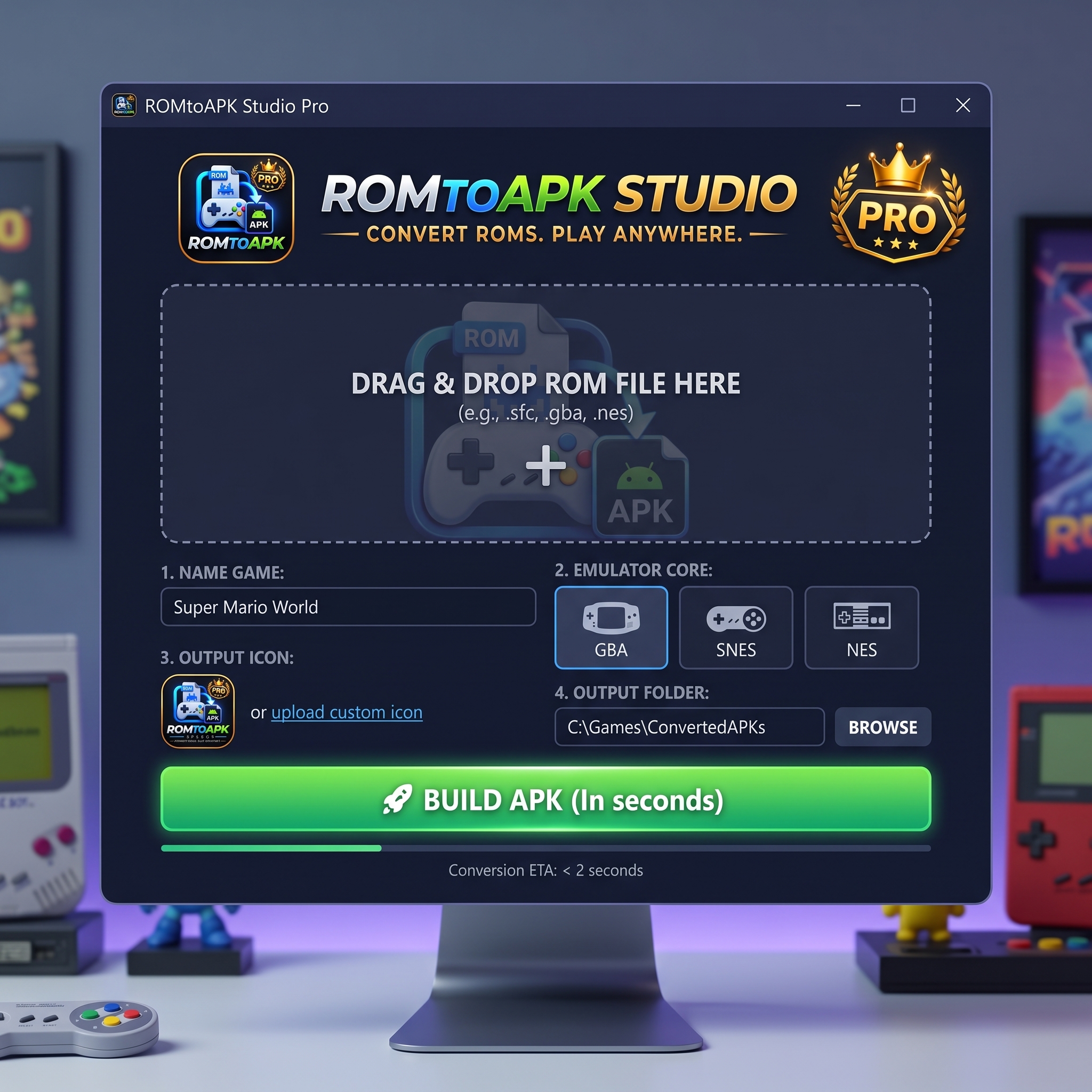
- Drag-and-Drop Single Builder: Convert any ROM with preview controls and instant APK building.
- Batch ROMs Builder: Scan entire folders of games to automatically batch-convert dozens or hundreds of ROMs into standalone Android APKs in a single pass.
🛠️ Architecture & Technology Stack
- Studio Desktop Application: Lightweight C# / WPF desktop application with dark-mode neon theme, real-time build logging, and zero-dependency portability.
- Emulation Core: Libretro native bridge written in C++ with hardware-accelerated OpenGL ES 3.0 / 2.0 rendering.
- Audio Engine: Low-latency multi-channel PCM OpenSL / AudioTrack implementation.
- Android Shell: Native Android application configured with Gradle and Android SDK.
Purchase
In order to download this tool you must purchase it at or above the minimum price of $15 USD. You will get access to the following files:
Leave a comment
Log in with itch.io to leave a comment.